¶ Explainer videos
As the administrator, you are able to place explainer videos on product pages. These are designed to guide the customer in the product configuration process, making it clear what each option does and what to be mindful of.
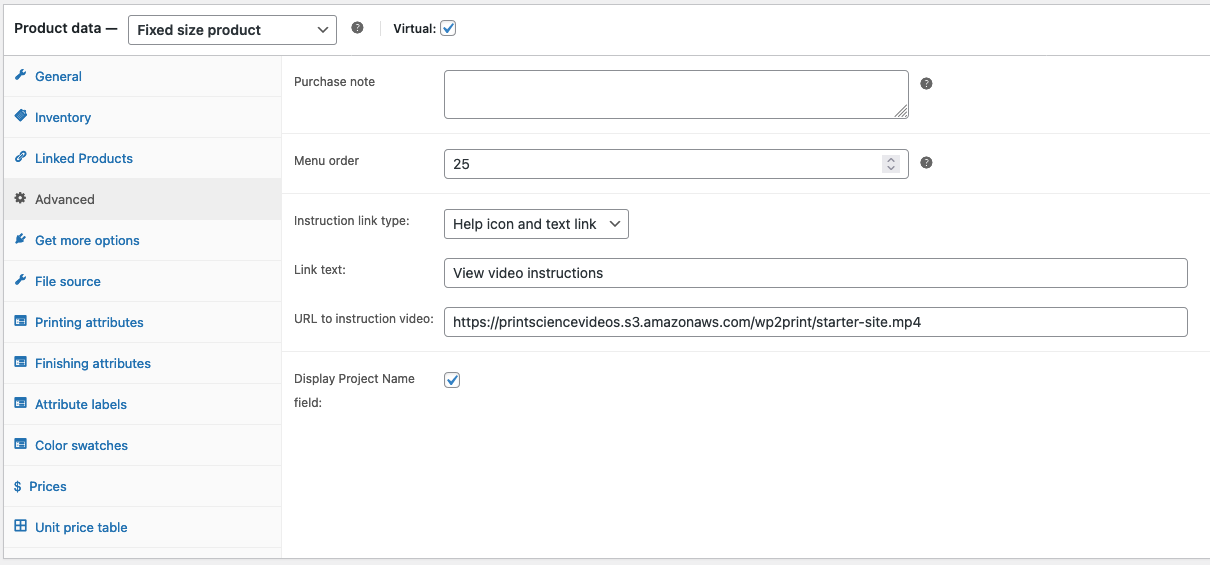
In order to insert an explainer video, navigate to the edit page of a product. Under the "Advanced" tab in the product data, you are able to insert a link to the explainer video.
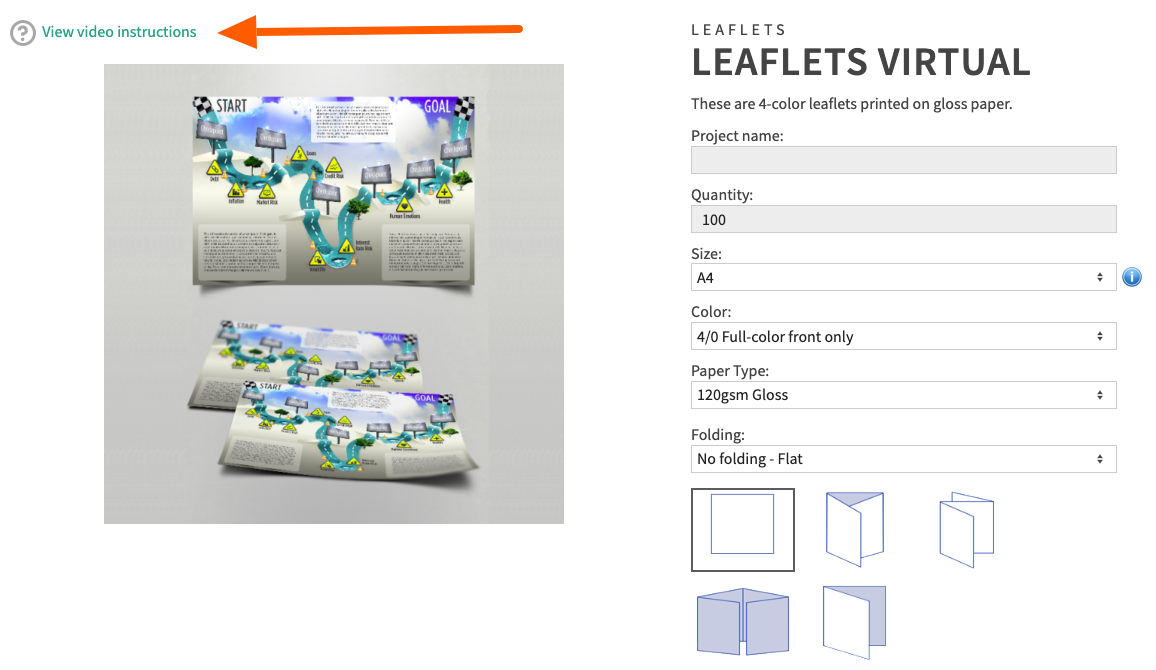
Links that will launch the explainer video will then be accessible on the product page as shown below:
¶ Project name field
In certain cases, you may want to give your users the opportunity to enter a project name or text identifier for a job.
In the Advanced tab, you will see a checkbox labeled "Display Project Name field":
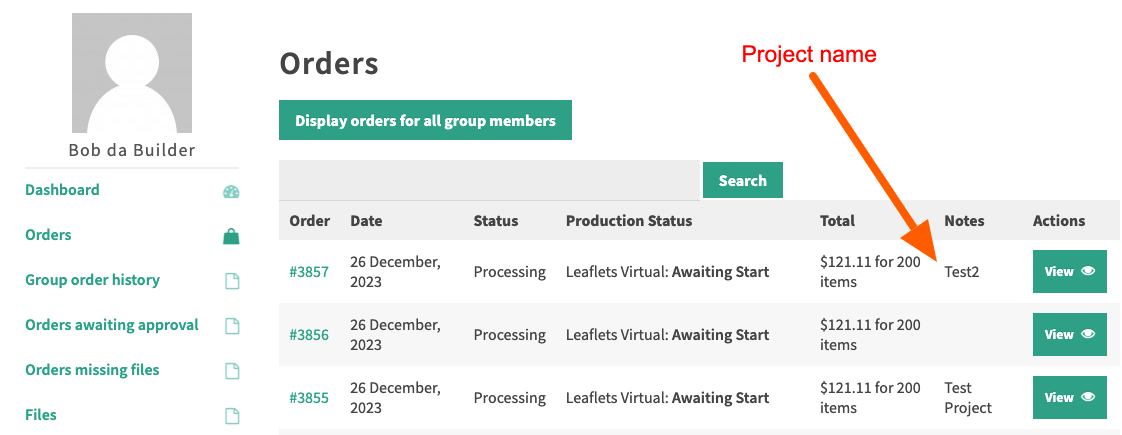
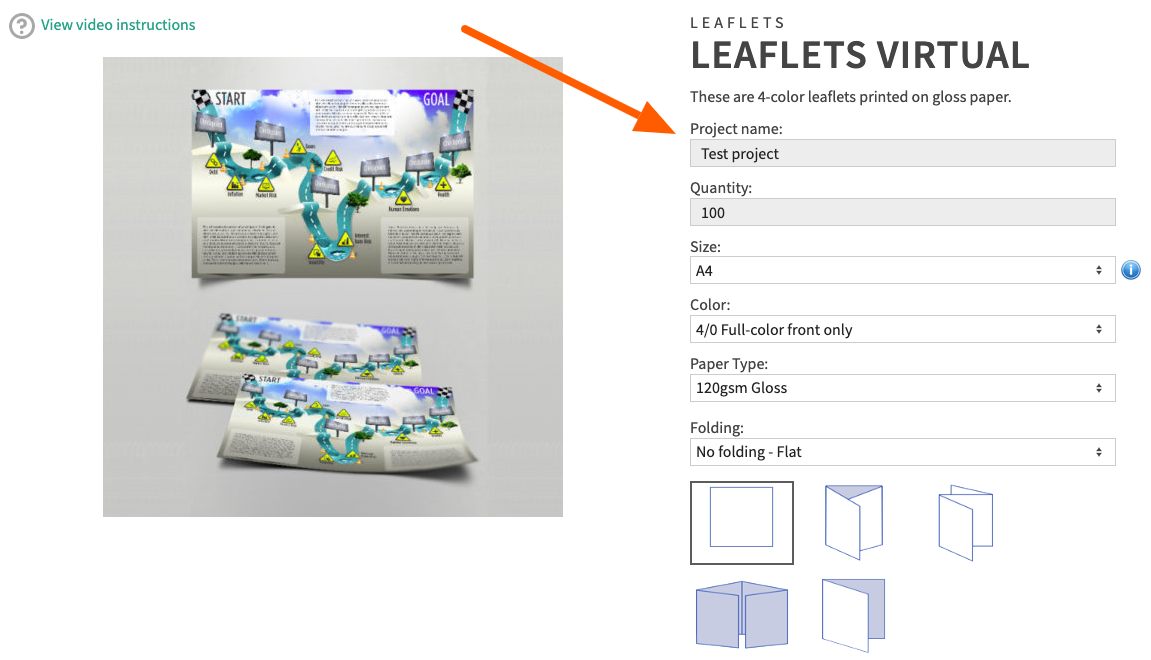
When the checkbox Display Project Name field is checked, then your users will see a field "Project name" at the top of the pricing calculator as shown below:
The text entered by your user is displayed in the Orders page in the My Accounts section. This text is also searchable using the search function in the Orders page;