¶ Linking a wp2print Product to PDF Designer product
When a product is configured to allow the customer to use the PDF Designer function, in the product configuration page, you will see fields where you can enter the productID and templateID of the product you created in your account on the Designer Server. For each different size of the product, you will have the opportunity to enter a different productID and templateID as shown below:

For each size of the product, you must enter a value for productID; you can feel free to leave the templateID field empty
In this video, we're going to take a look at linking a wp2print product to a product on the designer server.
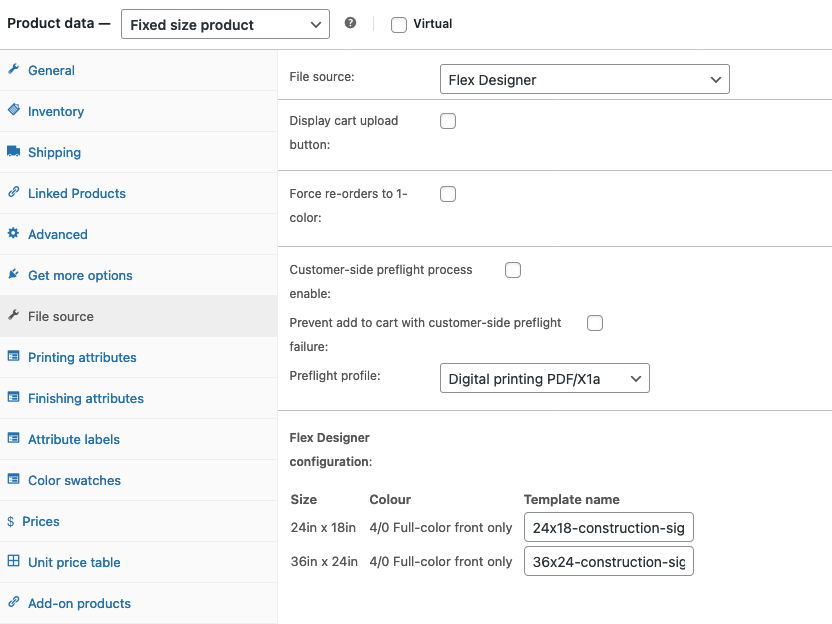
¶ Linking a wp2print Product to Flex Designer template
When a product is configured to allow the customer to use the Flex Designer function, in the product configuration page, you will see fields where you can enter the Template name for the product. For each different size of the product, you will have the opportunity to enter a different Template name as shown below: