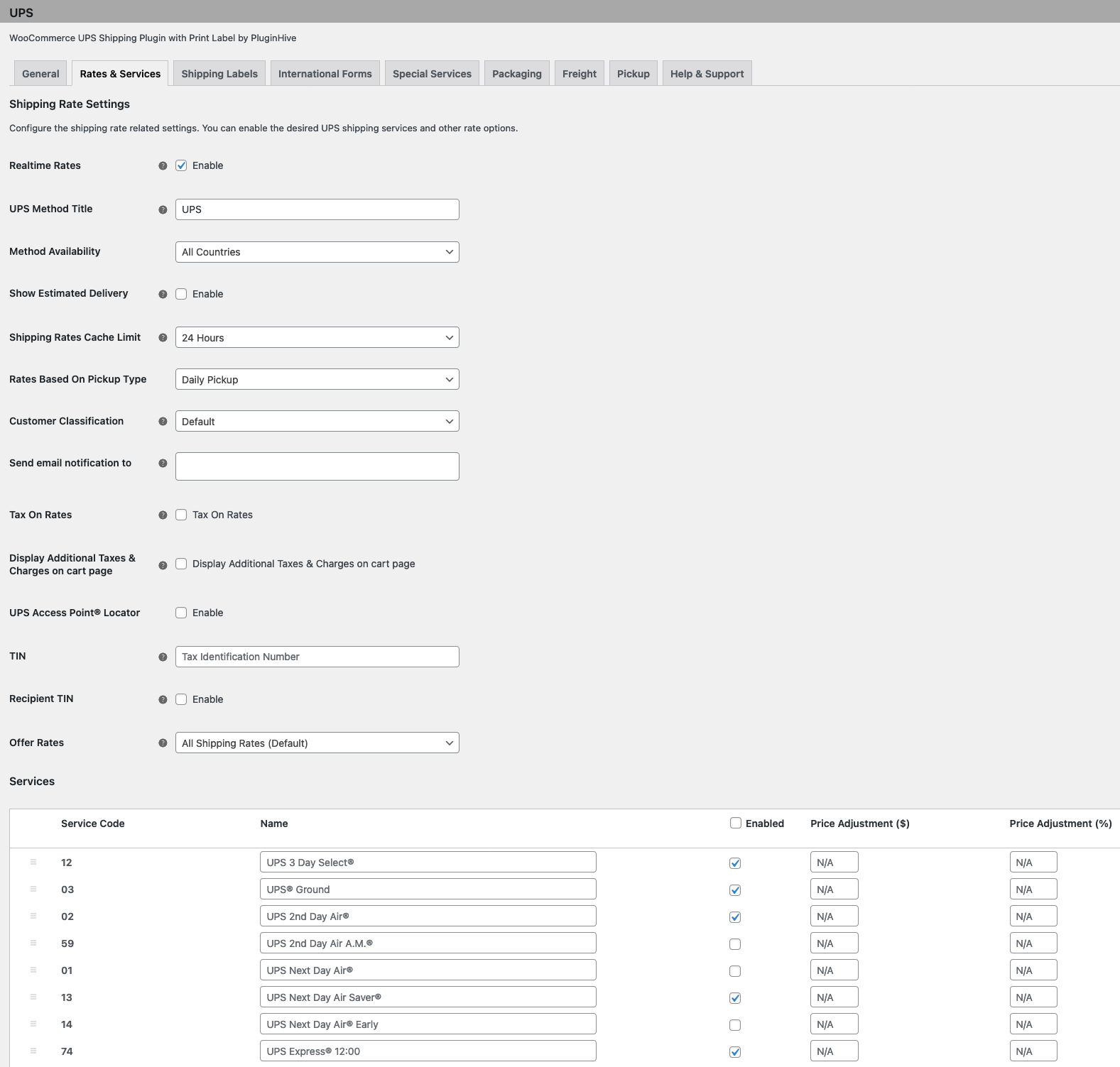
Print Science will install and activate the Pluginhive UPS shipping plugin into your site. After it is installed, you must confiruge the plugin with your UPS account information. Then you must select the UPS rates you would like to offer to your customers.
To access the configuration for the plugin, navigate to the Shipping tab in the WooCommerce settings then select UPS.
¶ General settings
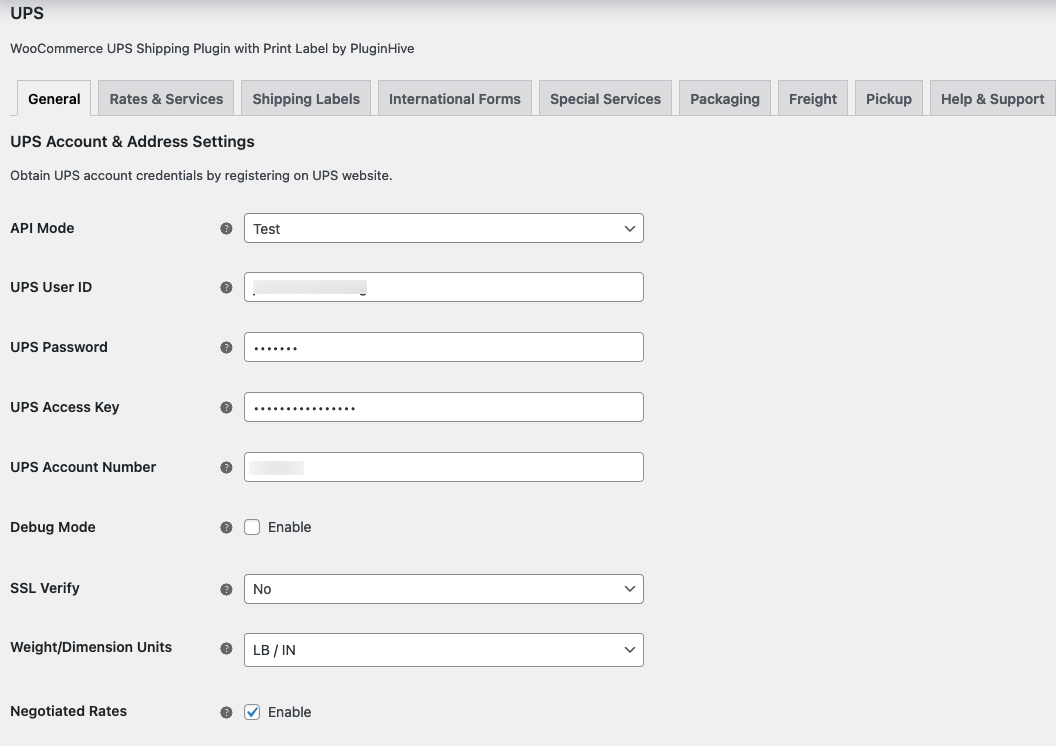
In the General tab, fill in the various fields related to your UPS account. You may have to contact UPS Support to receive the various account numbers and access keys:
¶ Rates and Services settings
At the bottom of the page of the Rates and Services tab, you will see a list of all the various service levels offered by UPS. You must select the service-level you would like to offer your customers. For each service level, you can add uplifts to the price quoted by UPS. You can add both a fixed uplift and a percentage upliaft: